
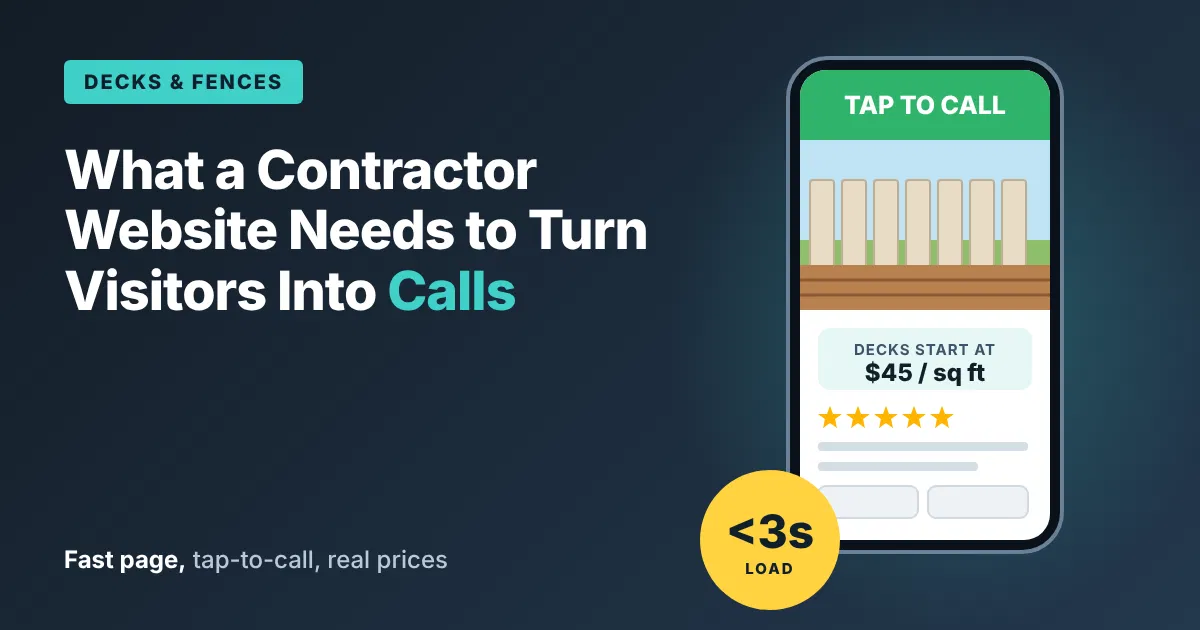
Decks and Fences: What Should a Contractor Website Have to Turn Visitors Into Calls?
Short answer: A fast page, a phone button a thumb can reach, a price range, photos of real jobs, and a short form. That’s most of it.
Visitors to a deck or fence builder’s site are usually on a phone, standing in their backyard, picturing the project. Every second of delay and every missing answer sends them back to the search results.
Speed Comes First
Google studied this years ago, and the finding still holds. Its 2016 mobile speed report found that 53% of mobile visitors leave a page that doesn’t load within three seconds.
Source: Marketing Dive — Google’s Study on Mobile Site Speed
Phones are faster now. Patience is not.
A deck or fence page is heavy with photos, which makes it one of the slowest kinds of pages to load. A homeowner who waits on a slow page full of huge photos taps “back” and calls the next builder.
Plenty of Visitors, Few Calls
Imagine a deck and fence builder named Ben. His website gets about 2,000 visitors a month in peak season. It brings him about 6 calls.
That’s 3 calls for every 1,000 people who showed up interested. Ben assumed he had a traffic problem. He had a website problem.
He opened his own site on his phone, standing in his driveway. Here’s what he found:
- The home page took about seven seconds to load because of 40 full-size photos.
- The phone number was at the bottom of the page, in small gray text.
- The only way to reach him was a form with 12 fields.
- No prices anywhere.
- His photos had no captions, so visitors couldn’t tell a $9,000 deck from a $45,000 one.
Seven Fixes That Turn Visitors Into Calls
1. Make It Load in Under Three Seconds
Shrink every photo before it goes on the site. Remove sliders and auto-play videos.
Ben paid a web developer $1,200 to clean this up. His home page dropped to under two seconds on a phone.
2. Put a Tap-to-Call Button at the Top of Every Page
Make it big, bright, and pinned so it stays visible as the visitor scrolls.
For example:
“Call Ben: 555-0163.”
One tap, and the phone rings.
3. Show a Price Range
For decks:
“Most of our composite decks run $45 to $75 per square foot, installed.”
For fences:
“Most cedar privacy fences run $38 to $60 per linear foot.”
Add what moves the price: height, material, slope, stairs, and railings.
Prices filter out people who aren’t ready and give confidence to people who are.
4. Sort Photos by Project Type, With Captions
Create separate galleries for:
- Composite decks
- Wood decks
- Fences
- Railings
Caption each photo with useful details.
For example:
“16×20 composite deck with stairs, Bellevue. About $24,000.”
Now a visitor can find a project like theirs and see what it cost.
5. Shorten the Form to Four Fields
Keep only:
- Name
- Phone
- Town
- Tell us about your project
Every extra field drops more people.
Ben’s 12-field form asked for budget, timeline, how they heard about him, and more. All of that can wait for the call.
6. Promise a Response Time, and Keep It
For example:
“We call back within one business day.”
Then do it.
A visitor who sends a form and hears nothing for a week won’t send a second one.
7. Show Proof Near the Call Button
Place three recent reviews, with first names and towns, right above the phone button.
The visitor reads them at the exact moment of deciding.
What a Visitor Asks First
A deck or fence visitor arrives with a short list of questions. Answer them on the page:
- How much does a project like mine cost?
- Have you built one like it near me?
- How long until you can start?
- Do you handle the permit?
- What happens if it rains on install day?
Each answer you leave off is a reason for them to keep searching.
Write the answers in plain words, in the order a homeowner thinks of them.
Put cost first. That’s the question on every visitor’s mind, and the one most builders hide.
What Changed for Ben
Here’s the reality check. His traffic didn’t change at all. Same 2,000 visitors in peak season.
His calls rose from about 6 a month to about 26. He closes about 1 in 5.
Four extra jobs a month at his average of $14,000 is about $56,000 a month in new work during the busy season.
Off-season numbers are lower, as they are for every outdoor trade. And the price ranges cost him a few calls from people hoping for bargains. Ben counted that as time saved, not business lost.
Your Website Checklist
- ☐ Home page loads in under three seconds on a phone
- ☐ Tap-to-call button at the top of every page, pinned while scrolling
- ☐ A price range per square foot or linear foot, with what moves it
- ☐ Photo galleries by project type, each photo captioned with size, town, and cost
- ☐ A four-field contact form
- ☐ A promised callback time, kept every time
- ☐ Three recent reviews next to the call button
- ☐ Answers to the five questions every visitor asks
Test It Yourself Today
Open your website on your phone, on cellular data, in your own backyard.
Count the seconds. Look for the phone button. Try to find a price.
If you lose patience, so will your customers.
When you look at a contractor’s website on your phone, what makes you pick up and call?
Thomas E. Lodato, J.D. — Scale Hawk Media Group